Across the world, companies like Google, Microsoft, Amazon, Twitter, and yes, Beyond Security, have asked their employees to work from home in response to the Coronavirus (Covid-19) pandemic.
As employees move from on-premises offices to their homes, businesses will be faced with the challenge of managing and securing both company-owned and employee-owned devices as they access company resources from outside the network perimeter.
These unvetted locations and devices open organizations up to vulnerabilities such as malware, data breaches and threat actors waiting to exploit human fallibility.
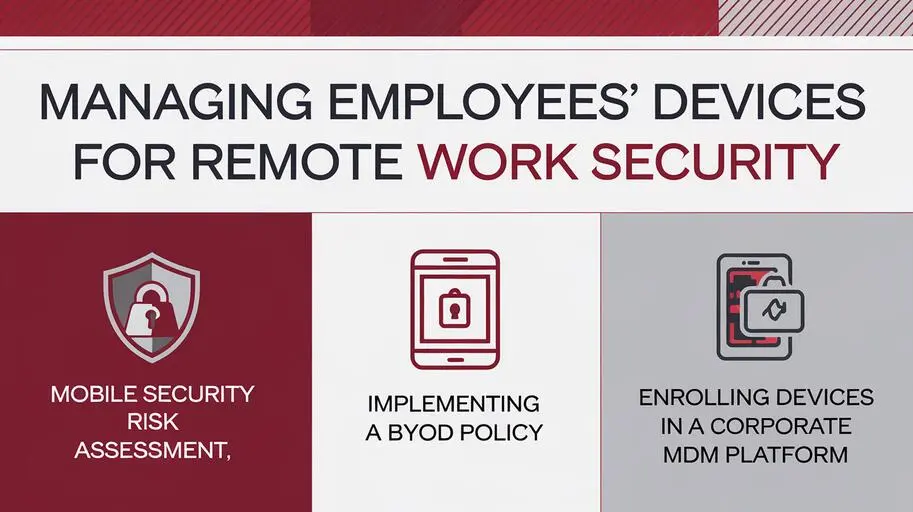
If you don’t already have an MDM (Mobile Device Management) solution and BYOD (Bring Your Own Device) policy, now is the time to get one. You can start by following the 3 suggestions below.
- Conduct a Mobile Security Risk Assessment
- Data & Device Theft
- Poor Cyber Hygiene
- BYOD & IoT Intrusion
- Lost Devices
- Out-of-Date Software
- Unsafe Wi-Fi
- Spyware
- Hidden Apps
- Phishing Attacks
- Social Engineering
- Broken Cryptography
- Cryptojacking
- Improper Session Handling
- Ad Fraud & Fake Reviews
- Share research on the latest threats.
- Share tips on reducing risk.
- Share your organization’s security policies – regularly.
- What is considered sensitive data?
- How do you collect, store and transfer data?
- Who has access to your data?
- Do mobile devices have access to your data?
- Where does sensitive data change hands?
- Can a lost or stolen device compromise your data?
- What are the consequences of a data breach?
- Ensure HR and IT are on the same page.
- Review non-disclosure agreements and security policies.
- Retrieve company-issued devices.
- Wipe corporate apps and data.
- Disable company email.
- Revoke access to systems and applications.
- Change passwords to company accounts.
- Monitor suspicious activity.
- Document your risks and assets.
- Build and train an incident response team.
- Create an incident report system.
- Prepare an incident notification list.
- Backup critical data.
- Ensure incidents can be handled remotely.
- Practice incident response.
- Implement a BYOD & Remote Access Policy
- Stay inside.
- Wash your hands.
- Don’t touch your face.
- Sneeze into your elbow.
- Wear a mask.
- Keep your distance.
- Allowable Devices & Applications
- Mobile App Vetting & App Stores
- Secure Configuration
- Acceptable Use & Misuse
- Authentication & Password Management
- Access Privileges & Permissions
- Social Media & Email Safety
- Browser & Web Application Security
- Encryption & Secure Connection Methods
- Privacy, Compliance & Confidentiality
- Separation of Personal & Corporate Data
- Data Loss Prevention (DLP) Strategies
- Security Patches & Software Updates
- Your BYOD and remote access policy should cover a range of endpoint, network and cloud security guidelines – ranging from what might seem like common sense tips to technical configurations meant to reduce exposure to hackers.
- Enroll Devices in Corporate MDM Platform
- ManageEngine Mobile Device Manager Plus
- 42 Gears SureMDM
- Workspace ONE UEM
- MobileIron UEM
- Control Access
- Manage Apps
- Enforce Policy
- Update Over-the-Air (OTA)
- Troubleshoot Devices
- Track Devices
- Remote Wipe
- The best results are obtained with a thoughtfully considered MDM implementation – rather than simply putting in place an off the shelf MDM solution.
- Maximize Self-Service and Autonomy: Employees enjoy the flexibility of BYOD. Reducing these flexibilities too much should be avoided; it can backfire. Moreover, MDM that delivers user autonomy can reduce the strain on IT support staff – giving the ability to reset passwords, tracking lost devices, etc, to the end user.
- Keep End-User Privacy: Your employees may be using their devices for a mix of personal and business use. While MDM can gain control over these devices, it should not be at the expense of user privacy – and you don’t want to find yourself in a legal battle over lost personal data.
- Consider Your Policies: The out-of-the-box policies of most MDM platforms can provide a solid start, but don’t skimp on refining these policies for the purposes of your organization. MDM policies can be incredibly granular – twisting and shaping to match your organizational requirements.
- Require Updates: Across the board, your MDM strategy should involve frequent updating – refreshing the MDM software in use, ensuring that devices are running the latest OS – and also running the latest versions of apps. Doing so will minimize the security holes that are common with unpatched software.